Partners
The organisations you sell through, and what they earn.
CRM guide 4 of 6 · 12 min · 5 screenshots · updated 18 Aug 2026
- For
- Admin, Partner managers
- Use
- Setup + everyday
- Needs
- CRM — start here
Covers the three screens under Partners in the CRM sidebar — Partners, Lead Registrations and Commissions — and the private link you send a partner.
Skip this guide entirely if you sell direct. Nothing else in CRM depends on it.
Section 01What a partner is#
Account
An organisation you sell to. It has contacts, deals and an address.
Partner
An organisation you sell through: a reseller, referrer, distributor, consultant or alliance. It has an agreement period, a tier and a commission rate.
That is the whole reason they are separate records rather than a tick box on an account — only one of them earns money from you. A partner who also buys from you can be linked to their own account, so the two records point at each other.
The three screens are one workflow: a partner registers a customer, you approve it, and when it turns into revenue a commission accrues.
OpenPartnersLead RegistrationsCommissions
Part 1One-time setup
ForAdminSections4Read4 minNeedsYour pipeline set up
Four screens, and they are worth doing in this order — types, then the programme default, then tiers, then the partners themselves. Each one is the fallback for the one before it.
Section 02One-time setupPartner Types#
WhereSettings›CRM›Partner Types
OpenPartner Types
What kinds of partner you work with. Every partner has one, and this is the list the partner form, the list filter and every by-type report read from. Add an OEM, a franchisee, a systems integrator — whatever describes your channel.
a type is a label; a tier is money. Nothing about a type decides what anybody earns.
Renaming a type updates every partner on it, so nothing is left holding the old word. A type can only be deleted once no partner is on it, and the message tells you how many there are.
Section 03One-time setupChannel Programme#
WhereSettings›CRM›Channel Programme
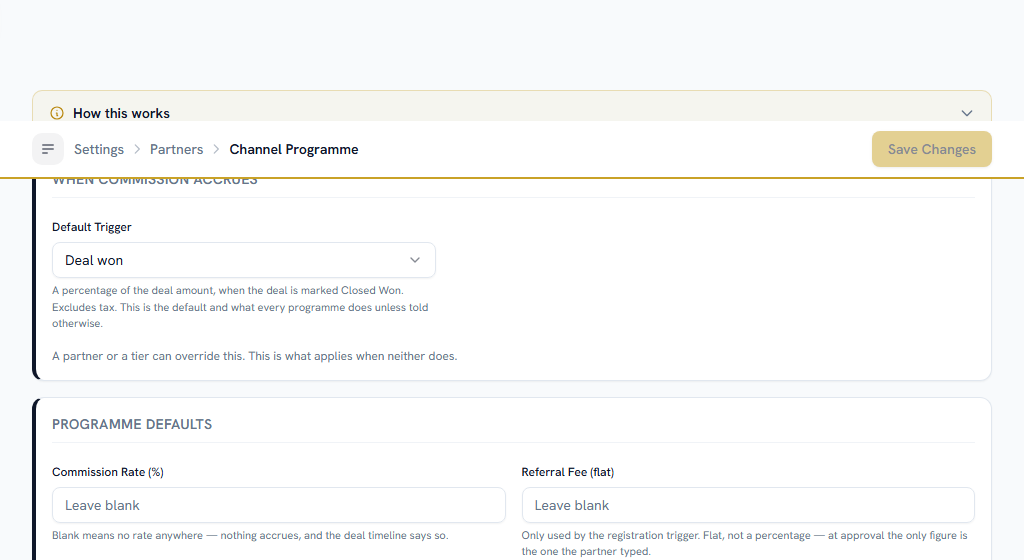
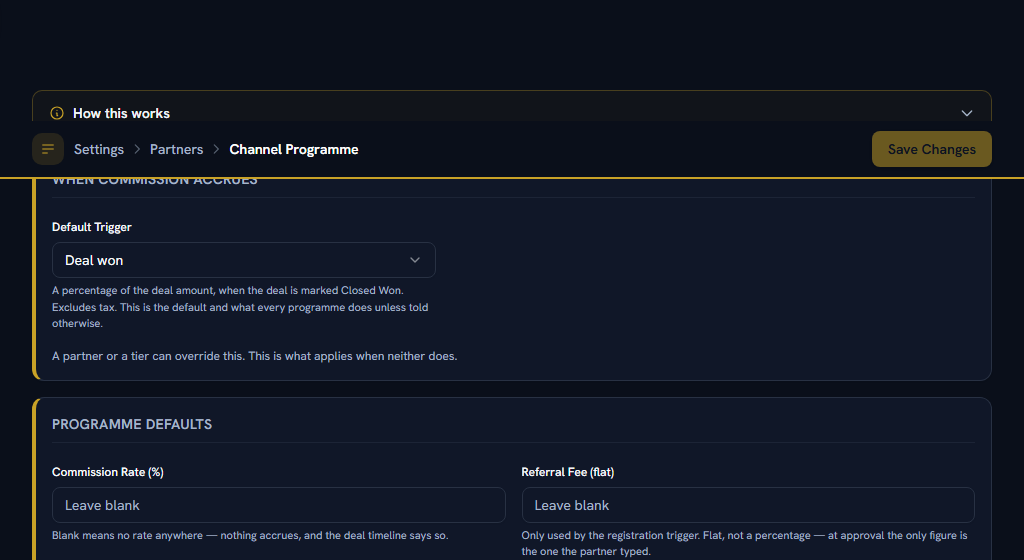
The defaults for your whole channel — what applies when neither the partner nor their tier has an opinion.
- When commission accrues. Three choices: when a registration is approved, when a deal is won, or when a sales order is fulfilled. Deal won is the default and is what most programmes do.
- The rate, as a percentage, and the flat referral fee for programmes that pay on registration approval — at approval the only figure available is one the partner typed, so a percentage of it would be a percentage of a guess.
- Protection windows for lead registrations and deal registrations. Blank falls back to 30 days and 90 days.
- What a partner sees on their private link — whether their earnings appear at all, and whether each row shows the rate it was worked out from.
"Accrues on sales order fulfilled" pays nothing at all if you do not sell through quotes. An order only ever exists because a deal was won on an accepted quote — there is no other way to create one — so a channel set to that trigger, in a company that closes deals without quoting, earns its partners exactly zero and never says so. The settings screen warns you when that combination would leave partners unpaid. Believe the warning.
Section 04One-time setupPartner Tiers#
WhereSettings›CRM›Partner Tiers
OpenPartner Tiers
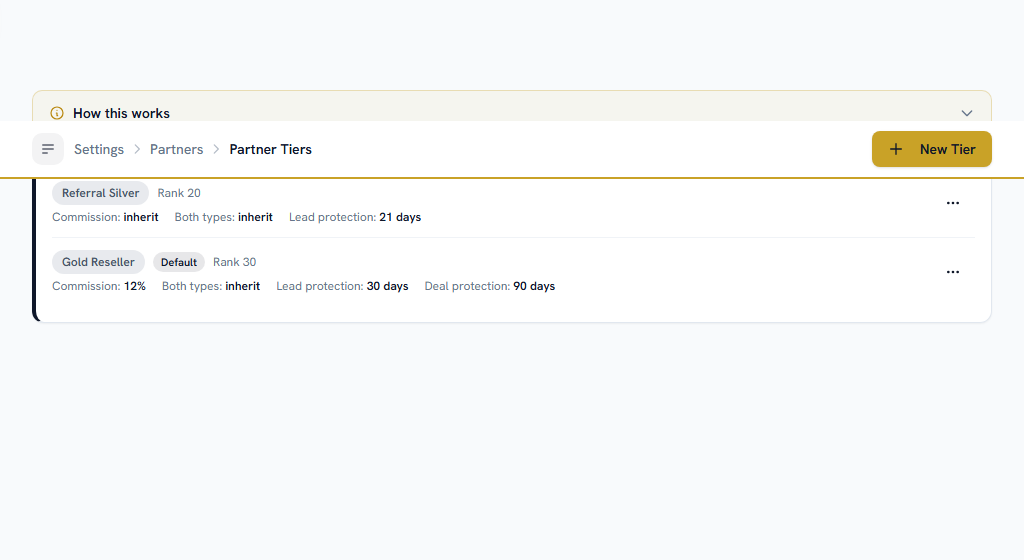
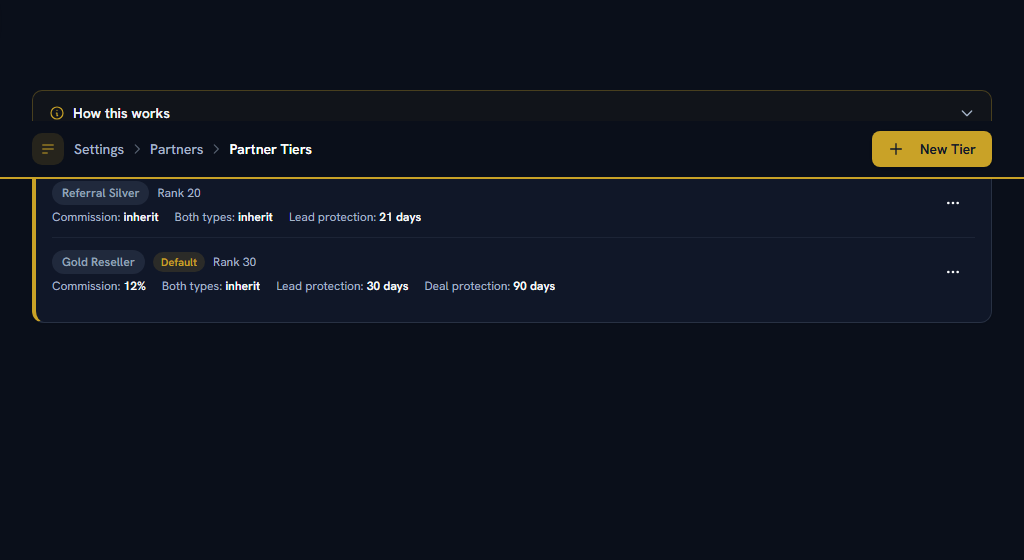
Groups of partners on shared commercial terms — Gold at 10% paying on the win, Referral paying a flat fee the moment you accept a registration.
- Give each tier a name and a rank. Higher rank is the better tier, and rank is also what breaks the tie when two partners register the same customer.
- Set what it pays, and when it accrues. Leave the trigger on Inherit to follow the programme default.
- Set the protection windows. Lead and Deal can differ, and a combined field covers both where the per-type ones are blank.
- Mark one tier default, so a partner with no tier still gets terms.
Tiers are optional. A partner with no tier falls back to the default tier, then to your Channel Programme, then to the built-in 30 and 90 days.
A blank field means "inherit", never "zero". This is the single most important thing on this screen and it is not obvious from looking at it. "This partner earns nothing" and "nobody has said yet" are different answers, and only one of them should produce a payout — so a blank rate is never treated as 0%. A partner on Gold with a blank commission rate earns Gold's 10%, and their page says "inherited from Gold" rather than showing a bare blank you could read as zero.
The corollary: to make a partner genuinely earn nothing, type 0. Clearing the field does the opposite of what it looks like.
Section 05One-time setupAdding your partners#
WhereCRM›Partners›Partners
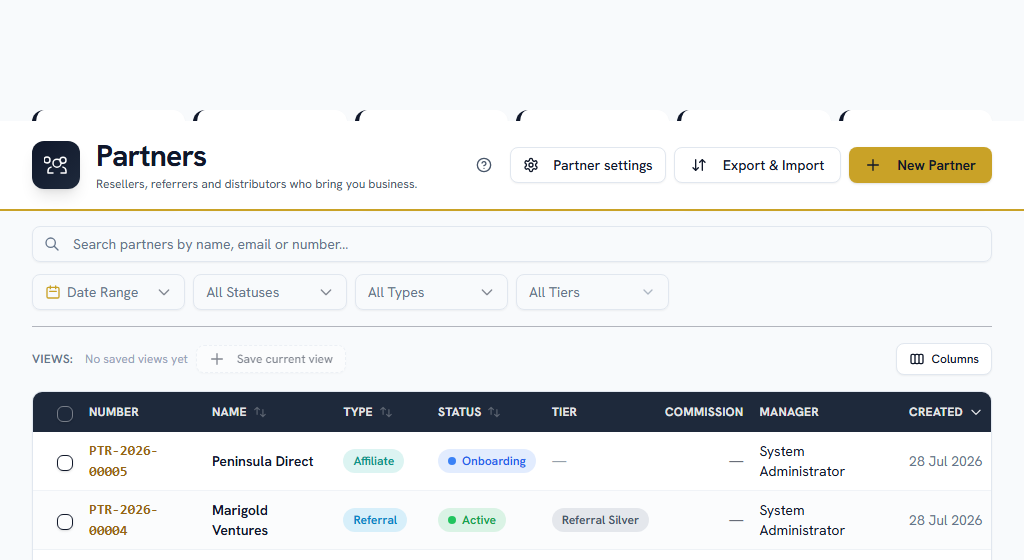
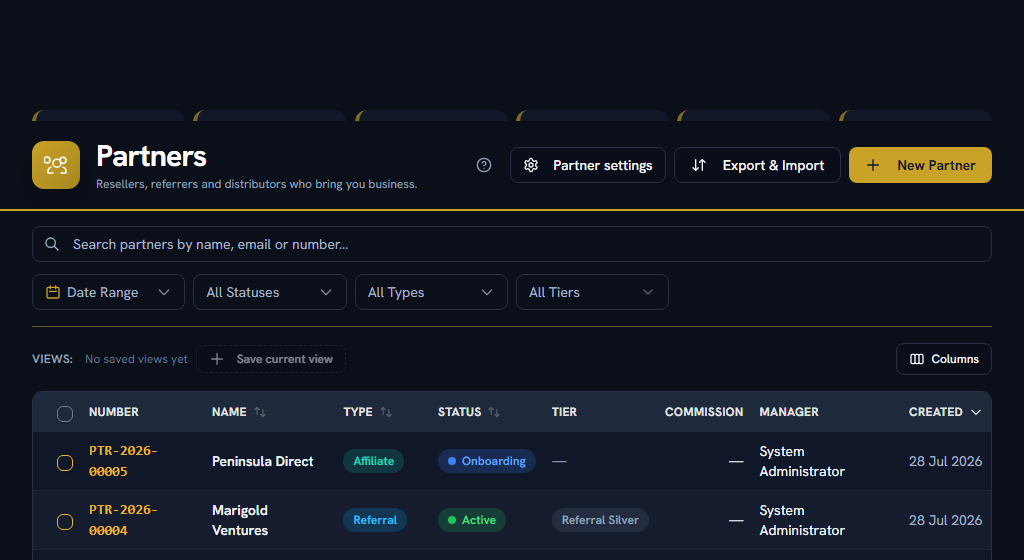
OpenPartnersPartner Custom FieldsLead Registration Custom Fields
Add each partner with its type, its tier, its owner — the partner manager — and its agreement dates. Anything you set on the partner itself beats their tier, which beats the programme.
The contacts on a partner are your ordinary CRM contacts, linked. That is deliberate: a partner's champion keeps the same detail page, timeline and follow-ups as anybody else, rather than becoming a second, thinner record of the same person.
Partner Custom Fields and Lead Registration Custom Fields add your own fields to those two forms.
Partners can also be imported from a spreadsheet, along with their registrations — the same wizard as everything else, reached from Export & Import on the list.
Who can see a partner follows the same rule accounts use: its owner, anyone granted Partners View All, and anyone the record has been shared with. Registrations and commissions inherit it from the partner they belong to, so there is one rule rather than three. Being somebody's manager grants nothing here.
Part 2Everyday use
ForPartner managers, SalesSections6Read7 minNeedsPart 1 done once
Section 06Everyday useThe private partner link#
Each partner has a private link you can send them: a URL that shows them their own registrations and lets them submit new ones, with nothing to log into. They see only their own records — never your conflict verdicts, never your rejection reasons, never another partner.
It is a bearer link. Anyone holding it can register in that partner's name, so treat it like a password: send it to the person you mean to, and revoke it if it goes astray. Replacing the link is one click and the old one stops working immediately.
Whether the link shows a partner their earnings is a setting on Channel Programme.
Section 07Everyday useLead registrations#
WhereCRM›Partners›Lead Registrations
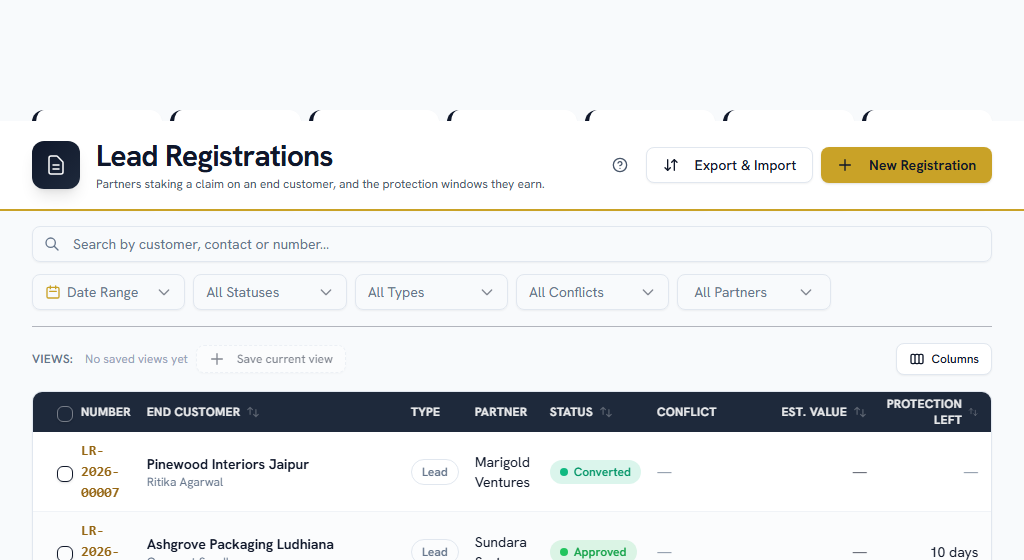
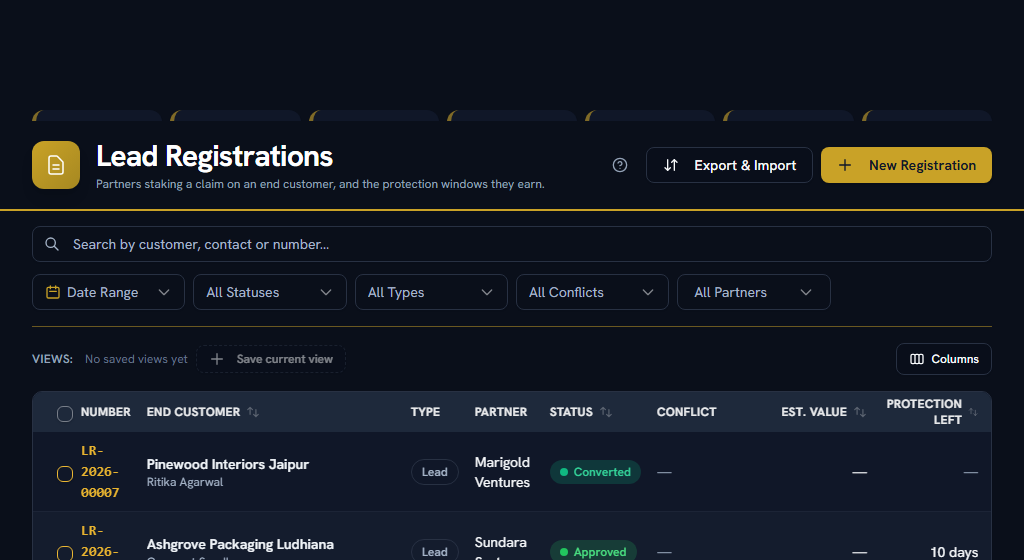
A registration is a partner staking a claim on an end customer before that customer is a lead. Registering tells you they are working that account; approving it gives them an exclusive window in which nobody else in your channel — or your own direct team — should chase the same buyer.
It exists to prevent the one thing that makes partners stop bringing you deals: discovering another partner already on a call with their customer.
Lead or deal#
Lead registration
A raw name: a company the partner wants held while they work it. Needs only the partner and the company name. This is the default and the right answer most of the time.
Deal registration
An opportunity they have already qualified, so it also asks for an estimated value and a close date, and can carry a longer protection window.
Email and phone are optional on both, and worth filling in anyway — they are how conflicts actually get caught. Resist adding mandatory fields: every one costs you registrations, and a registration nobody submits protects nobody.
The conflict banner#
When a registration is opened for review, a banner says what it clashes with:
- Blocked — another partner already holds an approved, unexpired registration on this customer.
- Potential — your own team already has an open lead or deal on them.
Nothing is ever auto-rejected. The banner links straight to the record it matched, so you can judge it yourself. You can approve over a conflict if you hold the review permission, but deliberately: you tick an override and leave a note, and both land in the audit trail beside the record it clashed with.
Reviewing one#
- Claim moves a submission to Under Review under your name, so two reviewers do not work the same queue item.
- Approve or Reject, with a reason.
- Withdraw is for a partner who is no longer pursuing the customer. It clears the protection window so the rest of the channel is not locked out of a name nobody is working.
- Convert is needed only for a deal registration — it asks for the deal name, pipeline and stage, which nothing can sensibly guess.
Approving a lead registration creates the lead there and then. There is nothing for a reviewer to decide — the owner is the partner manager and the stage is the first one — and the protection clock starts at approval, so a window running on a record nobody can see is a window being burned. The registration lands on Converted and the partner attribution is stamped on the new lead. If you really want the approval without the lead, the review form has an "Approve without creating the lead" option, off by default.
How long the protection lasts#
Whichever level answers first, checking the registration's own type before the untyped setting at each level:
- the partner's Lead or Deal protection days,
- the partner's plain protection days,
- the same pair on their tier,
- the same pair on the default tier,
- your Channel Programme settings,
- and finally 30 days for a lead registration, 90 for a deal one.
Blank means inherit at every level, so a level you have not set is skipped rather than read as zero.
Whatever answers is frozen onto the registration at approval. Changing a tier next month cannot shorten a window a partner is already relying on — which is the point, and also means fixing a wrong tier does not fix registrations already approved under it. You are warned seven days before a window lapses, and told when it does.
Editing stops at Submitted or Under Review. Once approved, the customer details under a live protection window are the record of what was approved, and changing them would move another partner's goalposts silently.
Section 08Everyday useCommissions#
WhereCRM›Partners›Commissions
OpenCommissions
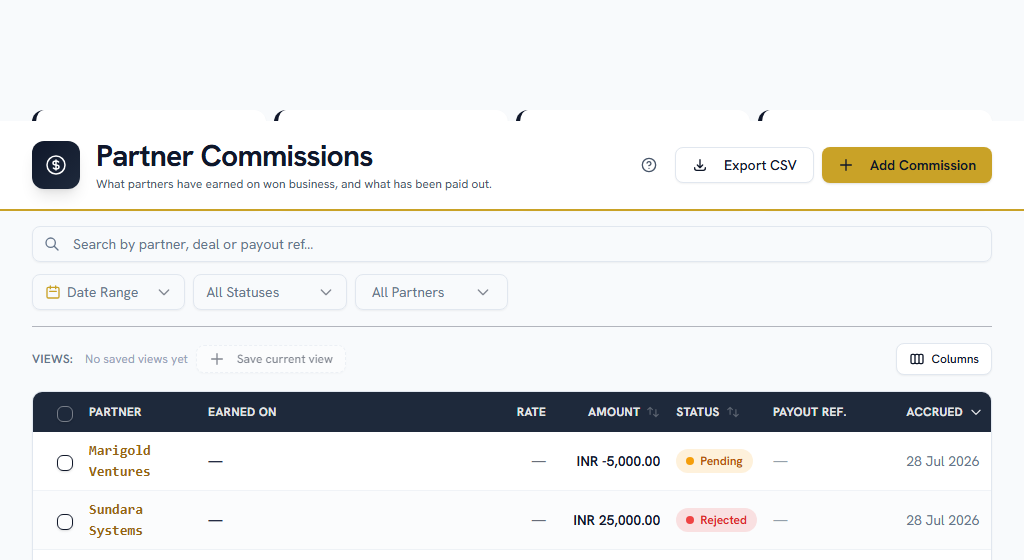
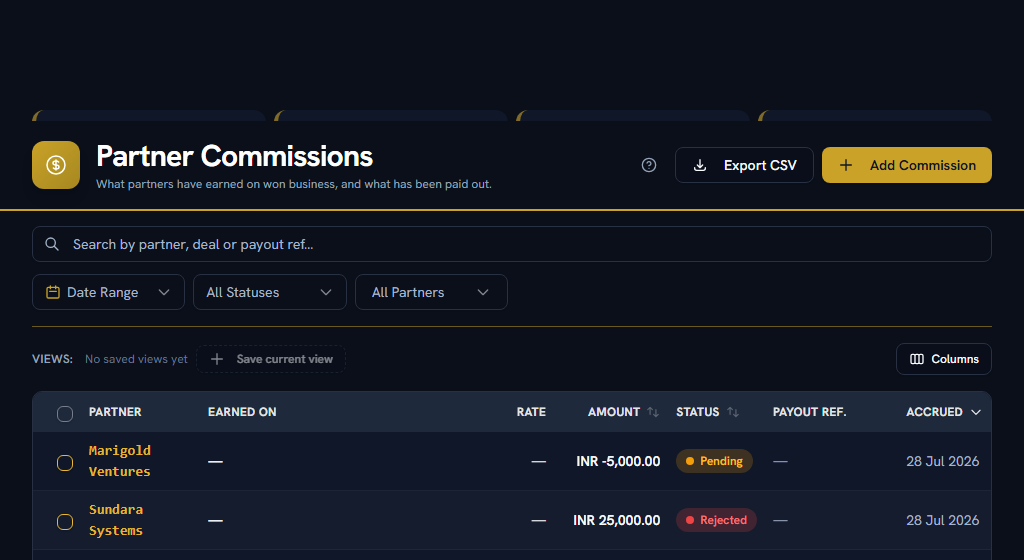
Almost every row here accrues by itself, when the event you configured happens. What accrues snapshots what was owed at that moment, so changing a rate next quarter cannot restate what somebody earned last quarter.
Each row moves through Pending → Approved → Paid, or is Rejected.
- Approve confirms the amount is right.
- Mark Paid records that the money went out, and requires a payout reference — a bank reference, a batch number, a cheque number, anything you can look the payment up by later.
- Reject is the same judgement made the other way.
Approving and paying are separate permissions, on purpose.
There is no payment rail here. Mark Paid records that a payment happened somewhere else and stores your reference for it. Invoices, tax and payout batches are deliberately not modelled — this module tracks what is owed, not how it moves.
A partner-sourced deal was won and nothing appeared#
Two causes, and the deal's own activity log records which:
- No rate is set anywhere — not on the partner, not on their tier, not on the programme. A blank rate is not zero, so nothing accrues rather than accruing nil.
- That partner does not accrue on winning. A partner set to accrue on sales order fulfilled earns nothing at the win, and nothing at all if you do not sell through quotes.
Spiffs, bonuses and corrections#
Add Commission is the one row a person types, and the only one with no deal, order or registration behind it — so the reason you give is the whole audit trail, and it is required. It lands on Pending and still has to be approved and paid like anything else.
To correct an overpayment, add a negative amount rather than deleting the original. Deleting would erase the fact that it happened.
When a won deal is reopened#
The commission is reversed in the same step that voids the sales order. One that was never paid is simply removed; one that had already been paid becomes Clawed Back and stays on the record, because money that moved has to be reconciled rather than deleted. Winning the deal again re-accrues it once, never twice.
Section 09Everyday useSuspending and ending a relationship#
Suspend stops new registrations — from your team and from the partner's link — while keeping every record and commission intact. Terminated is the end of the agreement.
Neither deletes anything, and neither is meant to. Commission history has to survive the relationship ending.
A partner with registrations or commissions cannot be deleted. Those records reference the partner and the deletion is refused rather than quietly detaching them, because a commission row that has lost the partner it belonged to is a payment nobody can reconcile. Suspend or terminate instead — that is what those states are for.
Section 10Everyday useSeeing how the channel is doing#
A partner's own page leads with their registrations, their pipeline and their commission totals.
For the programme as a whole, CRM → Reports → Partners has sourced versus influenced revenue, approval rate, registration-to-won conversion, time-to-first-deal and average deal size by tier, all exportable to CSV. See Insight.
Commissions sit behind their own permission, separate from Partners, because they are compensation data. Managers can view and export their partners' commissions by default; approving and paying are grants somebody has to make deliberately. That is why a colleague who can see a partner may still not be able to open this page.
Section 11Everyday useIf you get stuck#
In this order — most questions are answered before you reach the bottom.
- Look for help on the page itself. A ? in the page header opens the FAQs for that screen, and every settings screen carries a "How this works" panel with a worked example.
- Search the FAQs — the menu under your name, top right → FAQs. Search the words you can see on screen, rather than what you think the feature is called.
- Take a tour — the same menu → Help & Tours.
- Read the message. When Facto refuses something it says why, and usually what to do about it.
- Ask your own company — Support in the sidebar. "A partner earned nothing" is almost always a blank rate or the wrong accrual trigger, and both are one screen away.
- Facto Support — the pinned block at the bottom of the sidebar. Admin-only: if your question needs Facto, raise it at step 5 and your admin will escalate it.